Windows · Current release 1.9.0
InSiSo Model Bench
A Windows engineering tool for building vision AI models that run on ctrlX AUTOMATION devices. Label images from the line, train a detection model, and export it — no coding and no cloud.
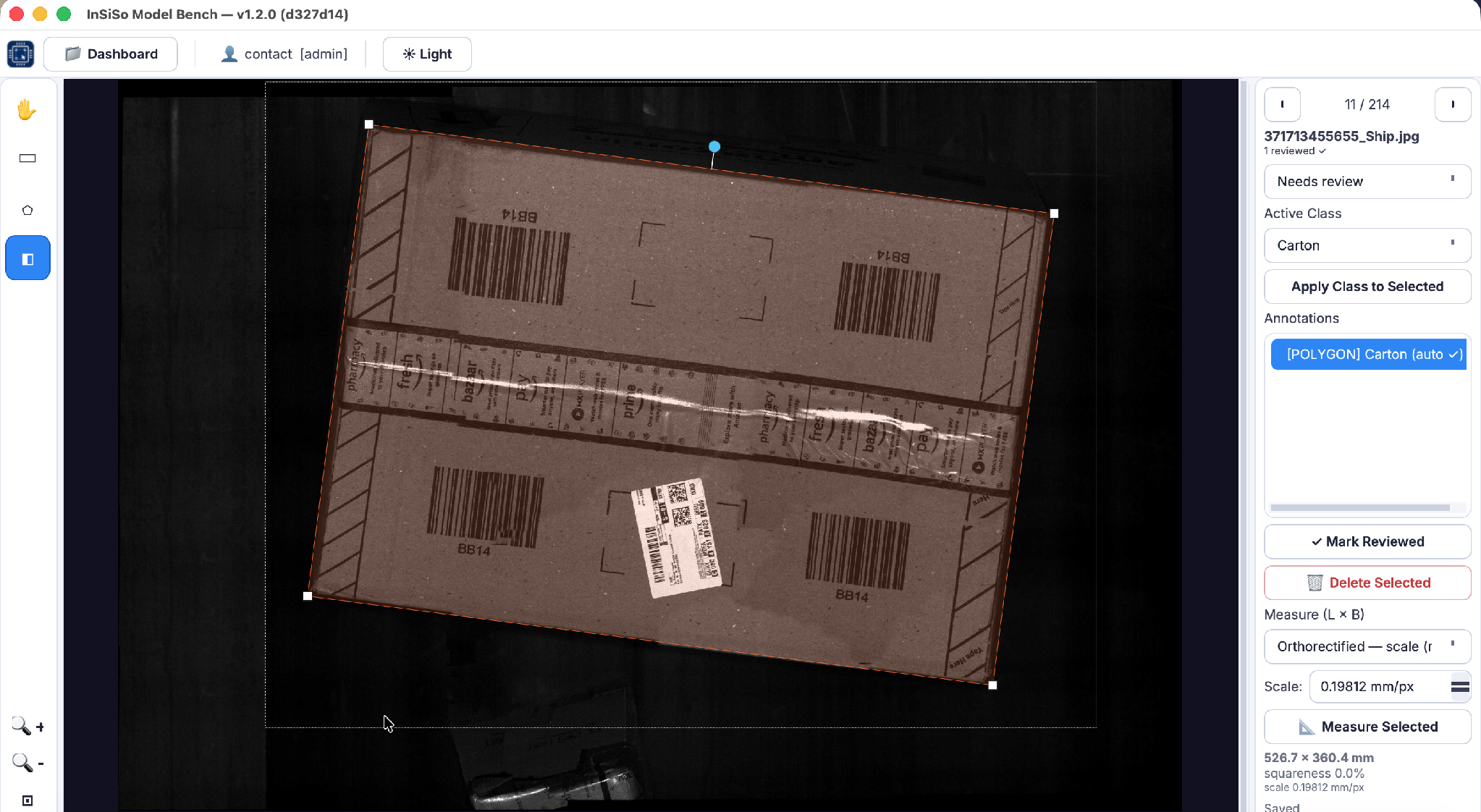
What it does
Bounding boxes, rotated boxes and polygons on your own images.
Object detection on the PC CPU. No GPU required for the shipped build.
Let the model suggest labels, then review them.
ONNX Runtime (CPU), Hailo, or NVIDIA GPU for ctrlX.
Import frames captured on the machine, correct them, retrain.
Millimetres from 2D images or 3D ToF clouds; CSV/Excel (Pro).
The model is class-agnostic: it learns whatever classes you define (cartons, scratches, screws, leaves). Model Bench runs fully offline; images, labels and models stay on the engineering PC.
How it fits ctrlX AUTOMATION
Labelling, training, export, measurement
Runs the exported model on live cameras
Holds the Model Bench licence
An exported model carries its class names and pre-processing settings inside the file, so the ctrlX app needs no extra configuration to read it.
Where Model Bench fits, and where it does not
- It is object detection. It finds and locates things a person can label with a box or polygon. It needs labelled examples of each defect; it is not unsupervised anomaly detection.
- No reading. No OCR and no barcode reading in the current release.
- Package-scale measurement. Millimetre-level dimensions of objects such as parcels, not micron-level gauging.
- Not a safety function. Detections are not certified for personnel protection; use rated safety devices for that.